
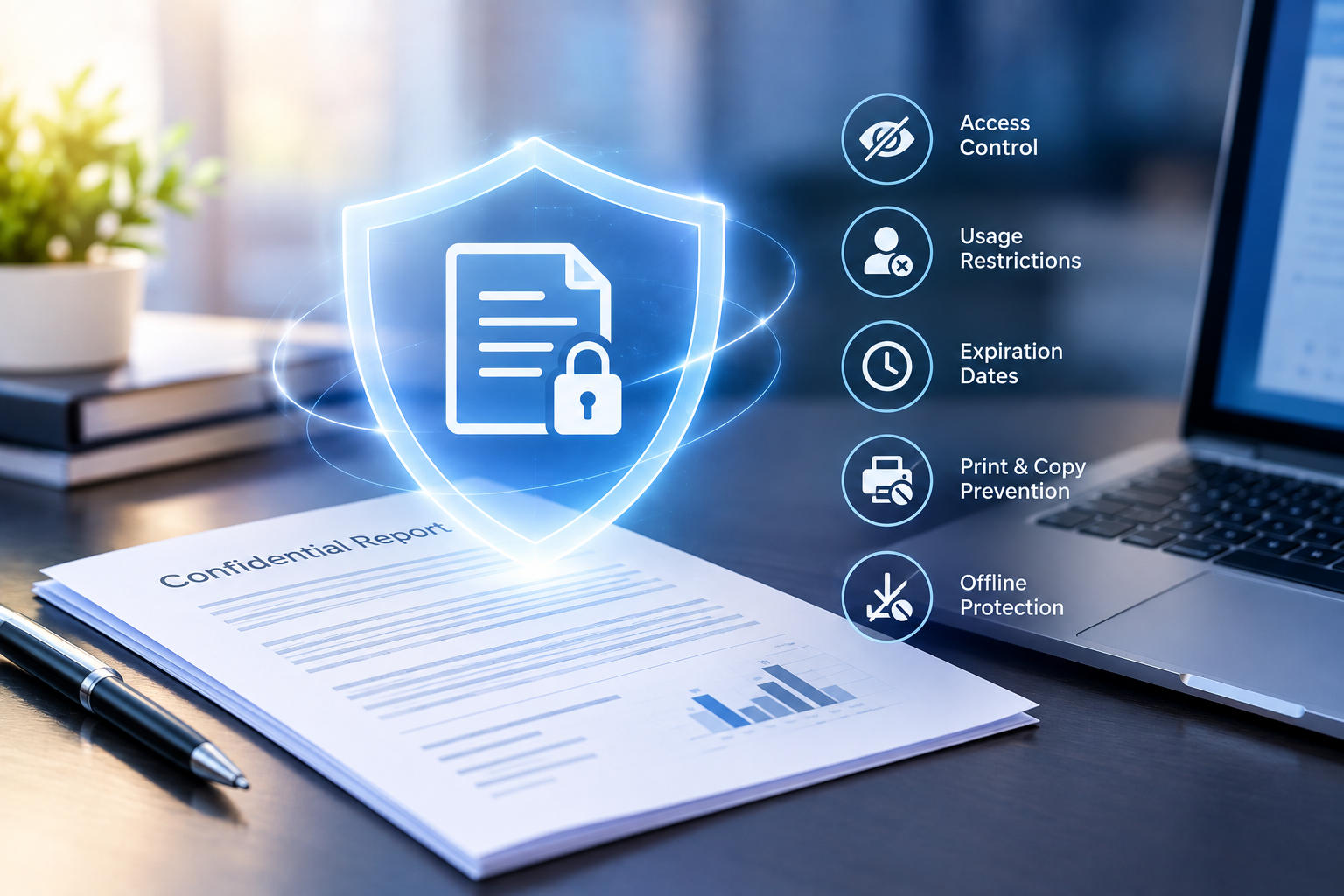
Most organizations treat encryption as the finish line for document security. Encrypt a PDF, lock it with a password, and call it a day. But anyone who’s dealt with a real data leak knows that encryption alone is like putting a deadbolt on a door with no walls. The moment a user decrypts a file to read it, every protection vanishes. Understanding why document DRM goes well beyond simple encryption is the difference between checking a compliance box and actually keeping your intellectual property safe.
The Limitations of Static Encryption in Content Protection
Encryption is essential, but it solves only one part of the problem. Treating it as a complete security strategy leaves massive gaps that attackers and even careless insiders can walk right through.
Why Encryption Only Protects Data in Transit
Standard encryption does its job while a file moves from point A to point B. TLS secures the connection, AES-256 scrambles the payload, and nobody intercepting the transfer can read the contents. That’s genuinely important. But once the file arrives and the recipient enters the password or key, the protection evaporates. The document sits on their device in a fully readable state, free to be copied, forwarded, or uploaded anywhere.
The Vulnerability of Decrypted Files at Rest
Here’s where things fall apart. A decrypted PDF on someone’s laptop is just a file. They can email it to a personal account, upload it to Dropbox, or print fifty copies. Tools like SmallPDF or even basic screenshot utilities make it trivial for non-technical users to strip or bypass password restrictions. Encryption assumes trust in the recipient, and that assumption is frequently wrong, whether through malice or simple carelessness.
Dynamic Access Control and Permission Management
Real document DRM replaces static trust with ongoing, enforceable rules. Instead of hoping recipients behave, you define exactly what they can do with a file and revoke that access whenever you choose.
Granular Controls: Printing, Editing, and Copy-Paste
A proper DRM system lets you set permissions at a fine level. You might allow one group of users to view a document on screen but block printing entirely. Another group might get print access but with copy-paste disabled. These controls stay embedded in the document itself, so they travel with the file regardless of where it ends up. Unlike PDF passwords, which any determined user can remove in seconds, DRM-enforced permissions can’t be stripped by third-party tools.
Time-Based Expiry and Remote Document Revocation
Stale permissions are one of the biggest risks in document security. An employee leaves the company, a contract expires, or a confidential report becomes outdated. With DRM, you can set documents to expire automatically after a specific date or number of views. Even better, remote revocation lets you kill access to a document instantly, even if it’s already sitting on someone’s hard drive. No recall email needed, no hoping they delete it voluntarily.
Device-Specific Locking and IP Filtering
Device binding ties document access to specific machines or devices, so a file opened on an authorized laptop can’t simply be copied to a USB drive and opened elsewhere. IP filtering adds another layer by restricting access to approved network ranges. These controls are particularly valuable for organizations with remote teams or contractors who need temporary access to sensitive materials without the risk of those materials spreading beyond approved environments.
Visual Security Layers and Information Governance
DRM extends beyond access control into visual deterrents that make unauthorized sharing traceable and risky.
Dynamic Watermarking for Traceability
Dynamic watermarks overlay user-specific information, such as their name, email, IP address, or the date and time of access, directly onto the document view. If someone photographs their screen or takes a screenshot, the watermark identifies exactly who leaked the content. This isn’t the same as a static watermark baked into a PDF. Dynamic watermarks change per user and per session, making them far more effective as a forensic tool.
Deterring Screen Captures and Physical Theft
Screen capture prevention blocks common screenshot tools and screen recording software from capturing protected content. While no solution can stop someone from pointing a phone camera at a monitor, dynamic watermarking makes that action traceable. The combination of capture prevention and personalized watermarks creates a strong deterrent: most people won’t risk leaking a document that has their name stamped across every page.
Real-Time Tracking and Audit Intelligence
Protection without visibility is flying blind. DRM systems provide the monitoring capabilities that encryption simply cannot.
Monitoring User Behavior and Document Engagement
DRM platforms log every interaction with a protected document: who opened it, when, from which device and location, how long they viewed each page, and whether they attempted any restricted actions like printing or copying. This data isn’t just useful for security teams. Sales organizations use it to gauge prospect engagement with proposals, and training departments track course completion through document access patterns.
Compliance Reporting for GDPR, HIPAA, and SOC2
Auditors don’t just want to know that you encrypted a file. They want proof that access was controlled, monitored, and revocable throughout the document’s lifecycle. DRM audit logs provide exactly that evidence. For GDPR, you can demonstrate that personal data was only accessible to authorized individuals. For HIPAA, you can show that protected health information was never printed or downloaded outside approved channels. These logs turn compliance from a checkbox exercise into verifiable, defensible documentation.
Balancing Robust Security with User Experience
Security that frustrates users gets circumvented. The best DRM systems protect documents without making people want to throw their laptops out a window.
Seamless Integration with Existing Workflows
Effective DRM fits into how people already work. Documents should open without requiring users to install complex software or remember additional credentials. Integration with existing identity providers like Azure AD or Okta means users authenticate with the same credentials they use for everything else. The goal is invisible security: strong protection that users barely notice during their normal workflow.
Browser-Based Viewing vs. Native Plugins
Browser-based DRM viewers eliminate installation friction entirely. Users click a link, authenticate, and view the document in their browser with all DRM controls enforced. Native plugins offer stronger protection, including better screen capture prevention, but add deployment complexity. The right choice depends on your audience. Internal teams can handle a lightweight viewer install; external partners and clients generally need the zero-install browser experience.
Future-Proofing Intellectual Property in the Digital Age
Document DRM goes far beyond encryption because the threats themselves go far beyond interception. Encryption protects content during transfer. DRM protects it throughout its entire lifecycle: controlling who can access it, what they can do with it, tracking every interaction, and revoking access the moment it’s no longer appropriate. Organizations that rely solely on encryption or PDF passwords are protecting the envelope while leaving the letter exposed. A defense-in-depth approach, combining encryption with dynamic access controls, visual deterrents, device binding, and real-time audit trails, is the only strategy that holds up against both sophisticated attackers and everyday human error.
Atlas Paragon Small Business Operations & Security Guides
Independent, evidence-backed checklists for small-business software selection, accounting workflows, and security.